
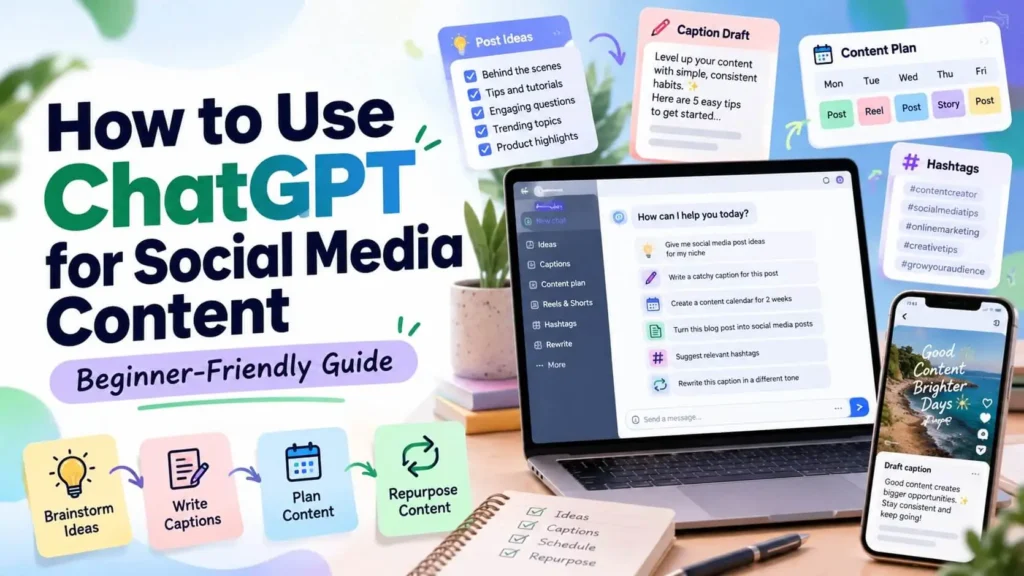
ChatGPT can save time when you create posts, captions and content plans. Here is how to use ChatGPT for social media content in a practical, beginner-friendly way.
1. Brainstorm Content Ideas
Tell ChatGPT your niche and audience, then ask for post ideas. Example: “Give me 10 Instagram Reel ideas for a beginner fitness page.”
2. Write Captions
Share your post topic and the tone you want, such as friendly, simple or professional. Ask for two or three caption options and pick the best one.
3. Plan a Content Calendar
Ask for a weekly or monthly plan with post types, such as tips, quotes, behind-the-scenes and questions.
4. Write Clearer Prompts
Better prompts give better answers. Include:
- Who the content is for
- What the topic is
- Tone and length you want
- Format, such as list, caption or script
5. Repurpose Content
Turn one idea into a Reel script, a caption and a short carousel outline.
6. Always Edit the Result
Treat AI output as a draft. Check facts, add your own voice and remove anything that does not fit your brand.
Things to Be Careful About
- Do not share private or sensitive information in prompts.
- Check facts and numbers before posting.
- Follow the rules of each platform about AI-generated content.
Frequently Asked Questions
Can ChatGPT replace my own creativity?
No. It is a helpful assistant, but your ideas and voice make content stand out.
Do I need a paid plan?
Many basic tasks can be done on the free version, though features may change over time.
Final Thoughts
Use ChatGPT as a helper for ideas, drafts and planning. To learn more prompt ideas, explore our digital eBooks.
Tivecode is not affiliated with or endorsed by OpenAI. Results depend on how you use these tips.


