
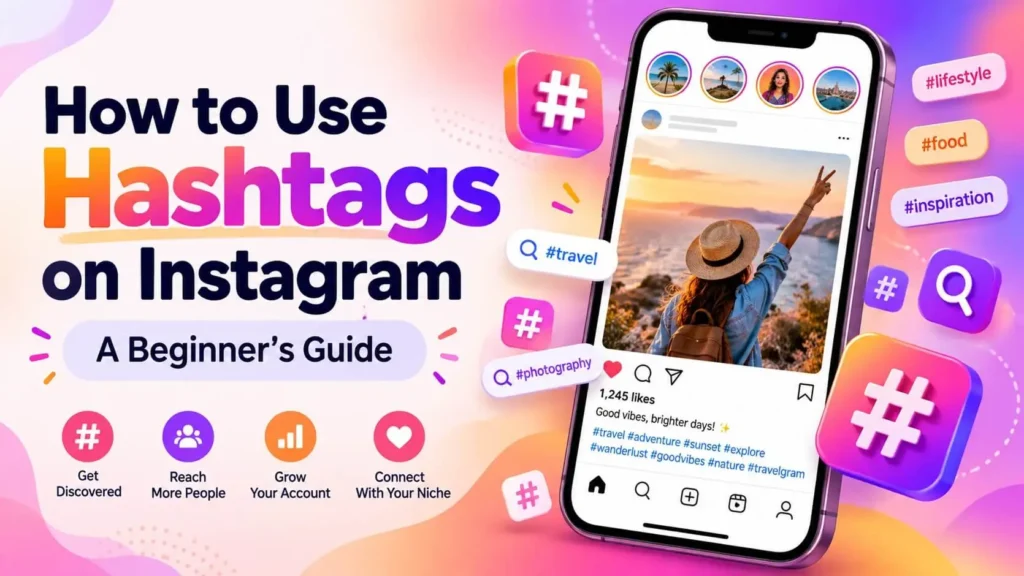
Hashtags help Instagram understand what your post is about and help people find it. If you are wondering how to use hashtags on Instagram, this guide covers the basics.
What Are Hashtags?
A hashtag is a word or phrase with the # symbol, such as #fitness or #yogaathome. When people search or follow a hashtag, they can discover related posts.
1. Choose Hashtags That Match Your Content
Pick tags that describe your post: the topic, niche, audience or style. A fitness page should use fitness-related tags, not unrelated popular ones.
2. Mix Broad and Specific Tags
Broad tags reach many people but have a lot of competition. Specific tags reach fewer people but are more relevant. Use a mix of both.
3. Do Not Overuse Hashtags
More is not always better. Choose a reasonable number of relevant hashtags instead of filling the whole caption.
4. Rotate Your Hashtag Sets
Using the exact same set on every post can look repetitive. Prepare a few sets for each topic and rotate them.
5. Place Them Naturally
You can add hashtags at the end of your caption or in the first comment. Choose the style you prefer and stay consistent.
6. Avoid Banned or Spammy Tags
Some hashtags are restricted. Using them may reduce the reach of your post. Search a hashtag in the app first to check that it shows normal results.
7. Keep Notes of What Works
Use Insights to see where your viewers came from. Keep the sets that bring useful reach and replace the rest.
Frequently Asked Questions
Do hashtags guarantee more reach?
No. They help with discovery, but content quality and consistency matter most.
Can I save hashtag sets?
Yes. Keep them in your phone notes or a document and copy them when needed.
Final Thoughts
Good hashtags are relevant, varied and used with care. If you want ready-to-copy sets, see our digital products for creators.
Results depend on your content and consistency. No reach or follower guarantee is promised.


